Online lessons have opened up endless possibilities to teaching. For example, I can share music game apps, annotate score collaboratively, teach by demonstration with ease and much more. Now that our lessons are online, there are a lot of things that we could do which we couldn’t do before!
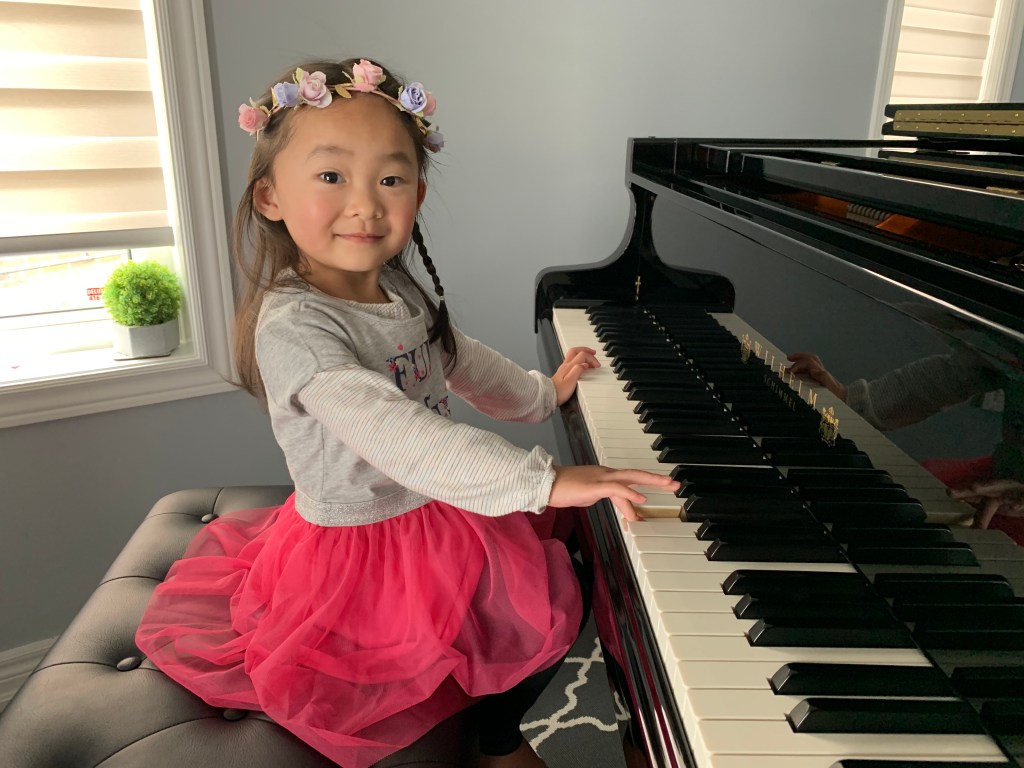
Setting the device on the right side of the piano, with a slightly elevated angle (as shown in picture above) is ideal, so I can see the student’s hands on each key clearly. Also, the camera should show the student’s upper body and ideally their foot on the damper pedal, too.
Since I will be demonstrating and sharing content quite frequently during the lesson, it is important that the student can see me through a bigger screen, such as a laptop or tablet. For optimal experience, you may consider an earphone/ headphone with microphone so students can hear the effect that I am trying to demonstrate. Sometimes, subtle nuances cannot be heard through an external speaker.
Stable internet connection is also crucial. Try to limit internet use during your lesson time to ensure the best audio/ video transmission.
The platform that I use for most of my online lessons is Google Meet. The link will be emailed to you and posted onto Google Classroom under your name.

 Catherine Shum's Piano Studio