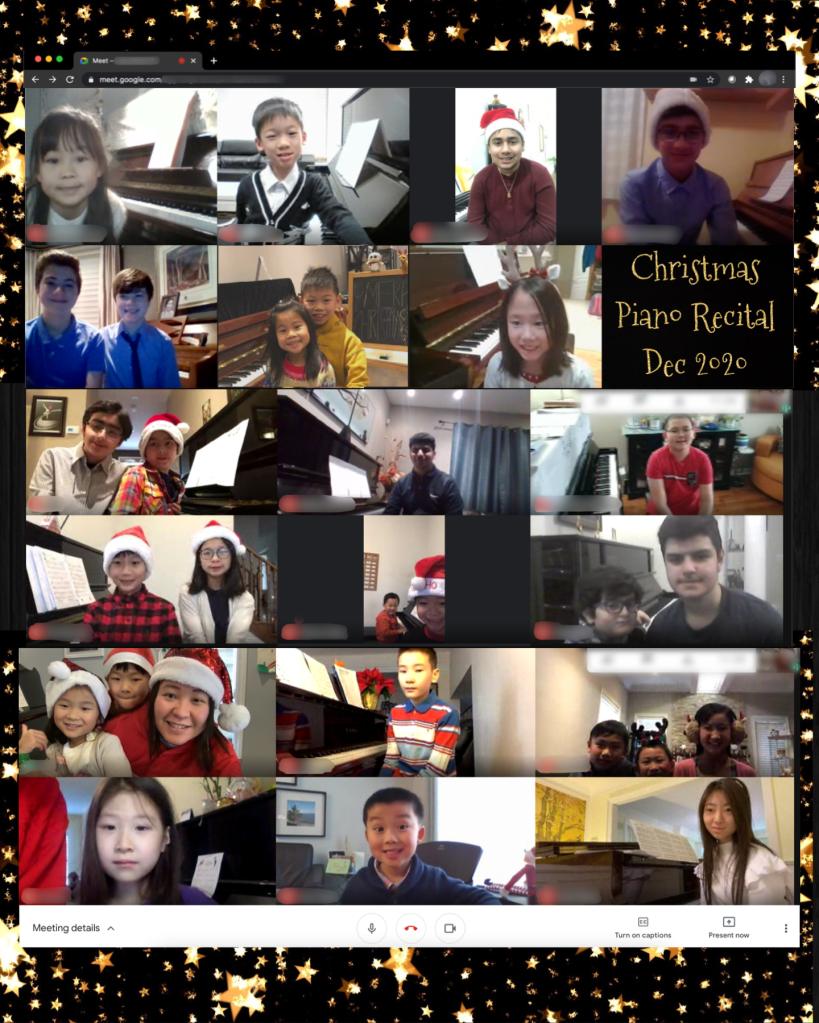
Merry Christmas everyone! I am so grateful to have students that never stop learning. Our first virtual Christmas recital was a huge success! Thank you everyone who were able to participate. Looking forward to our 2021 music journey!
RCM Certified Piano/ Theory teacher in Aurora
Merry Christmas everyone! I am so grateful to have students that never stop learning. Our first virtual Christmas recital was a huge success! Thank you everyone who were able to participate. Looking forward to our 2021 music journey!
Online lessons have opened up endless possibilities to teaching. For example, I can share music game apps, annotate score collaboratively, teach by demonstration with ease and much more. Now that our lessons are online, there are a lot of things that we could do which we couldn’t do before!
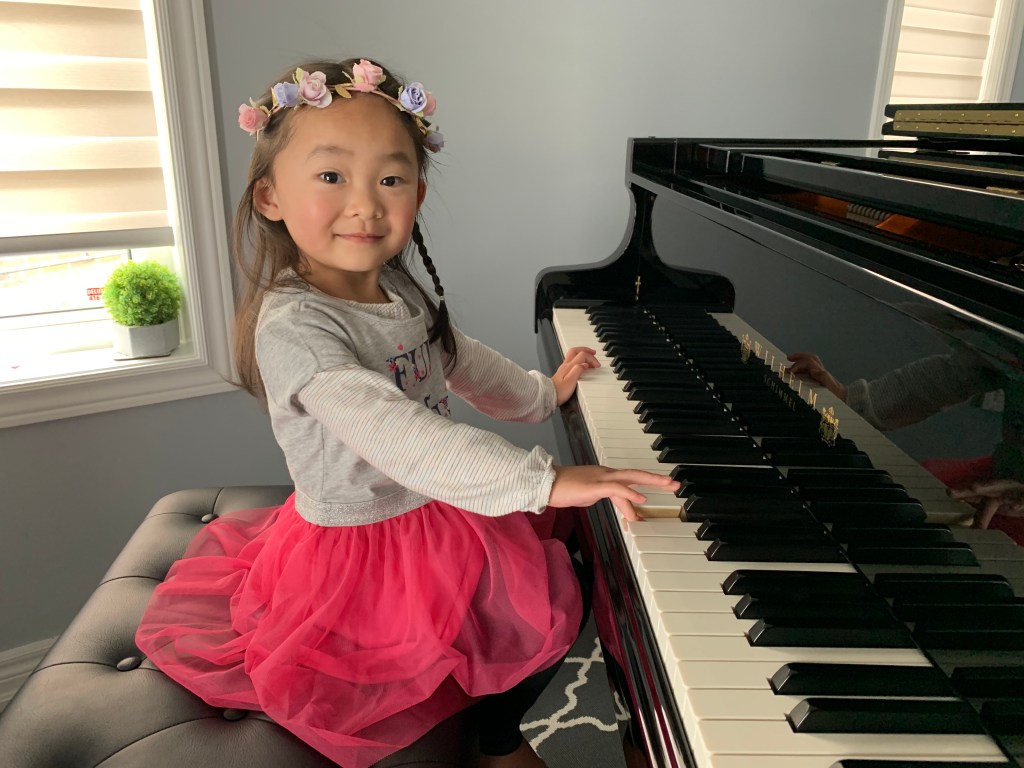
Setting the device on the right side of the piano, with a slightly elevated angle (as shown in picture above) is ideal, so I can see the student’s hands on each key clearly. Also, the camera should show the student’s upper body and ideally their foot on the damper pedal, too.
Since I will be demonstrating and sharing content quite frequently during the lesson, it is important that the student can see me through a bigger screen, such as a laptop or tablet. For optimal experience, you may consider an earphone/ headphone with microphone so students can hear the effect that I am trying to demonstrate. Sometimes, subtle nuances cannot be heard through an external speaker.
Stable internet connection is also crucial. Try to limit internet use during your lesson time to ensure the best audio/ video transmission.
The platform that I use for most of my online lessons is Google Meet. The link will be emailed to you and posted onto Google Classroom under your name.
Our first ever Christmas recital will be taking place on Dec 19 and Dec 20, 2020. This holiday season, we will be raising funds to support the highest priority needs at the Hospital for Sick Children (SickKids). All donations made on this page will be issued digital tax receipts via e-mail.
Thank you and Happy Holidays!

I love human connections and hearing music live, so I have never planned to deliver music lessons online prior to the pandemic. However, ever since I started teaching online in March 2020, I discovered a lot of advantages to online lessons.
Until things return to “normal”, continuing your lessons online is the best alternative, but I do wish to SEE you (for real) soon!
Ever since we started conducting online lessons, I have been taking extra time outside of lesson to check and mark students’ theory homework. I believe that understanding how music works is the best way to help students make informed musical choices, and to keep them interested.
I’m thankful that technology has made it so much easier for us to connect in the age of the pandemic. If you are new to my studio and would like some guidance to upload homework pages, please see document below.
There is also a place in the classroom where students can leave me a message about brief questions/ comments that they may have!
https://docs.google.com/document/d/10l_rYVpQE3lhQmtObdZS3alEfT5joogk602CwlC_ZTE/edit?usp=sharing
 Catherine Shum's Piano Studio